Disclaimer: This post may contain affiliate links. As an Amazon Associate, I earn from qualifying purchases.
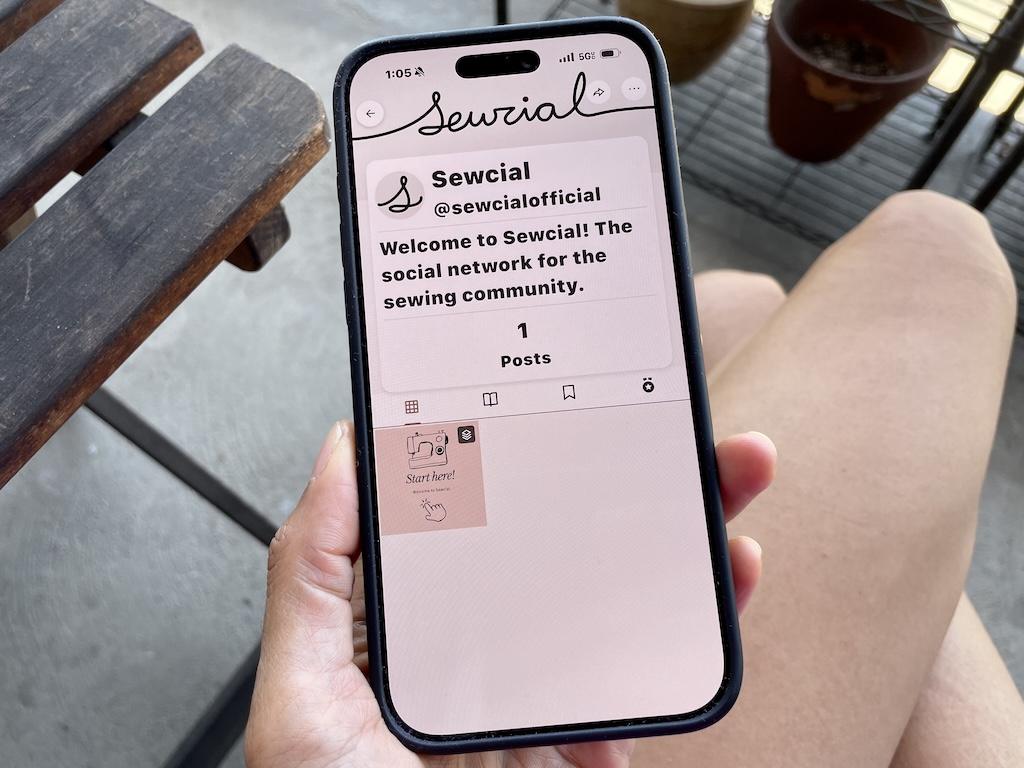
If you’re a part of the sewing community, you may have heard of Sewciable, previously called Sewcial. It’s a new social app created by independent pattern designer Megan Nielson.
You may have wondered what it’s all about and if it’s worth it to join or not. Well, I’ve been using it and like it for a few reasons.
I’ll share some details about using the app and my review. This might help you decide if it’s for you!
Sewciable App Features
Okay, now let’s look at the features below. The app is pretty simple and easy to use.
It’s a new app, so as time goes on, I’m sure there will be a lot of updates. Just like many apps, we’ll probably continue to see improvements and new features in the future.
Profile
Here’s my account, and you can add a profile picture and a banner. You can also link your website, social media, and email.
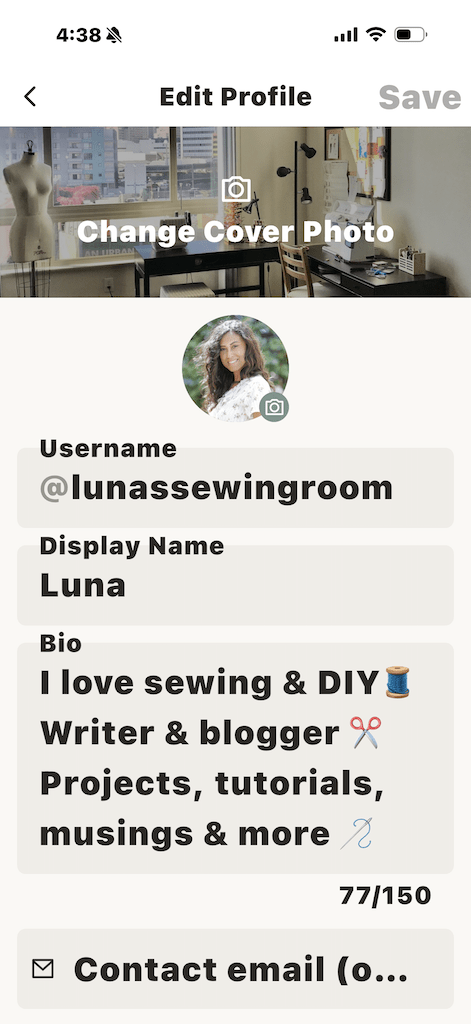
I edited mine with my display name and bio. You can also choose your theme color, which is pretty cool!
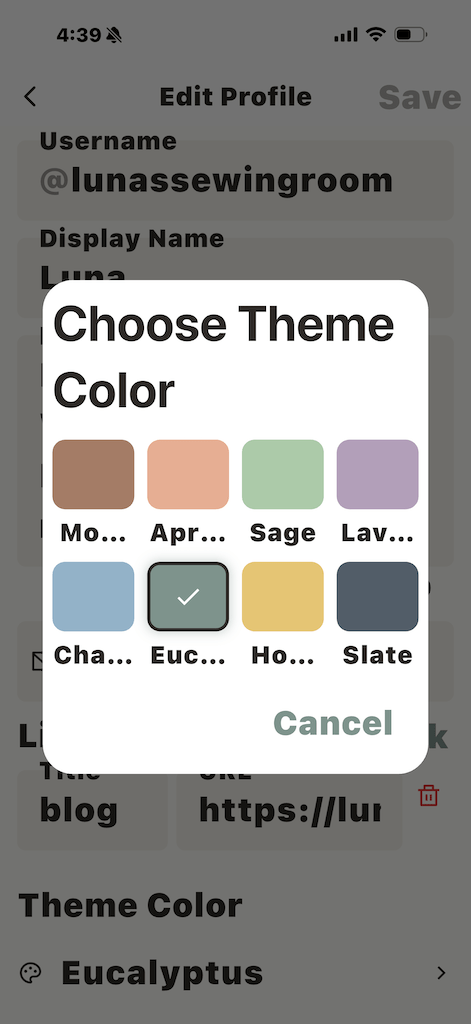
And you may have noticed that my text is large, and that’s because of the dynamic text settings on my phone. You can adjust the text size in the Sewciable app settings.
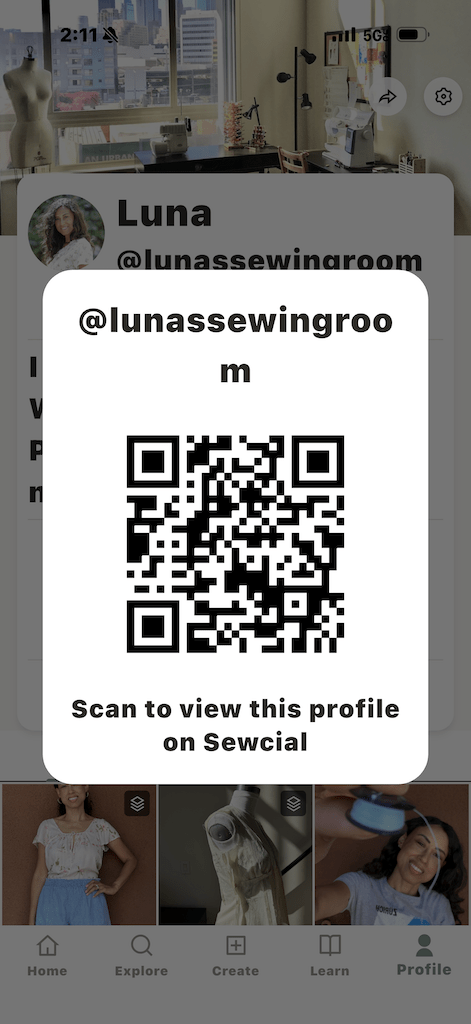
I can share my QR code, image with profile, and profile link too. So if you have followers on another platform, they can find you on Sewcial.
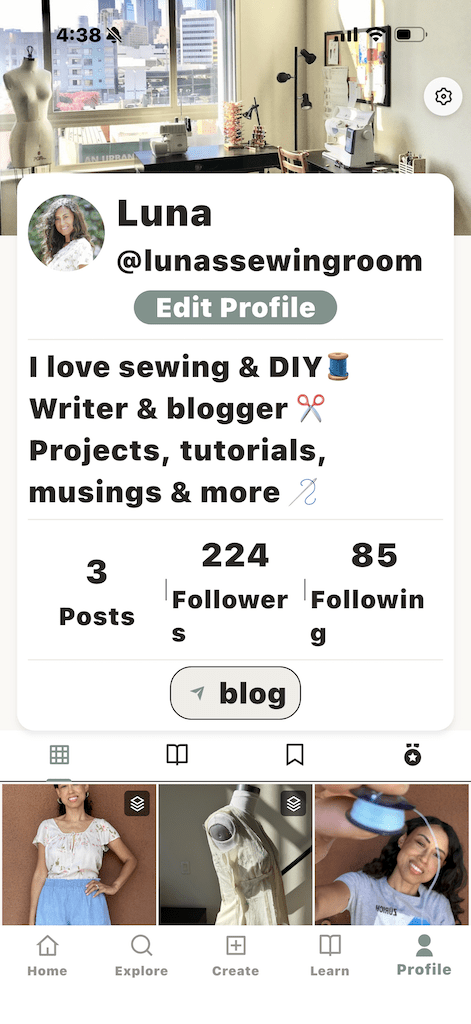
From my profile page, I can see my grid of things I’ve posted. Okay, I haven’t been posting a lot, but I plan to soon.
Home
When I click on Home, I see my feed. I’ll only see the people and hashtags I’m following.
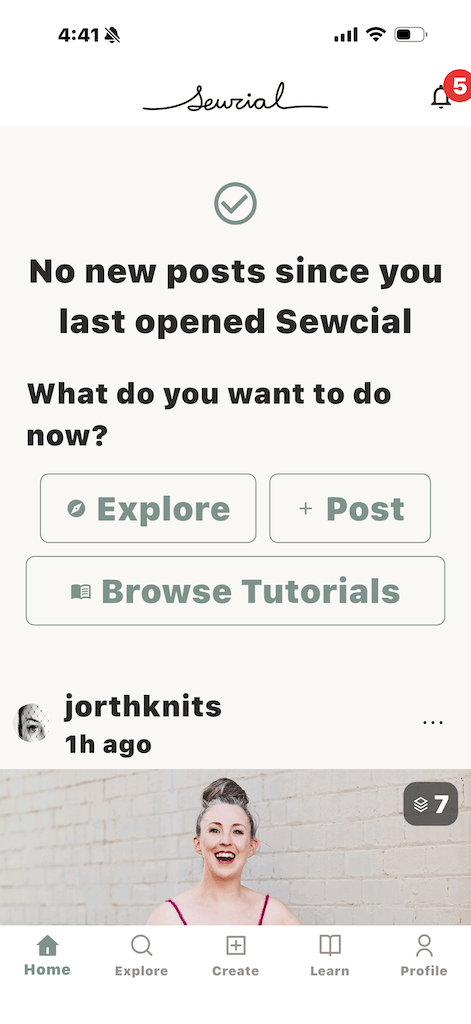
There are no ads or algorithm. It’s purely picture-based with no reels, and that’s why I like it.
I can like, comment, and share just like on other social media platforms.
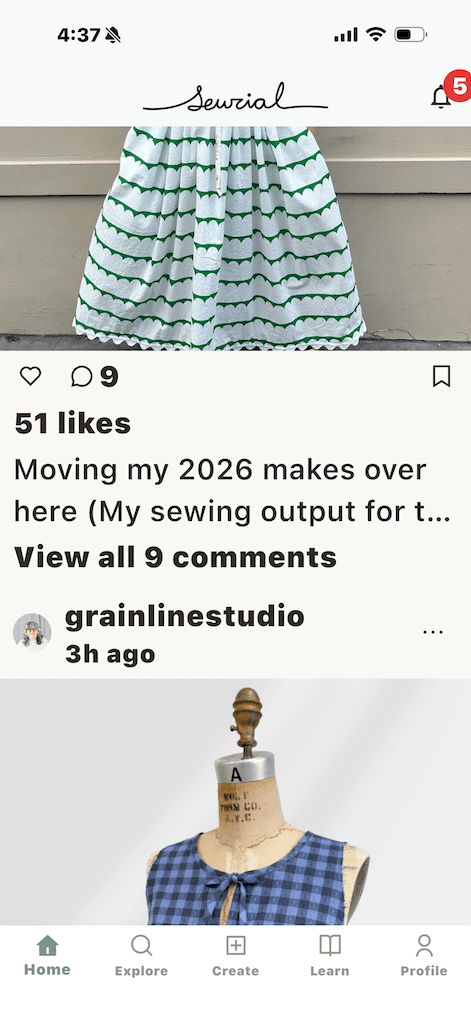
Also on the home page, there’s a notification bell in the corner. This will notify me of likes, comments, and new followers.
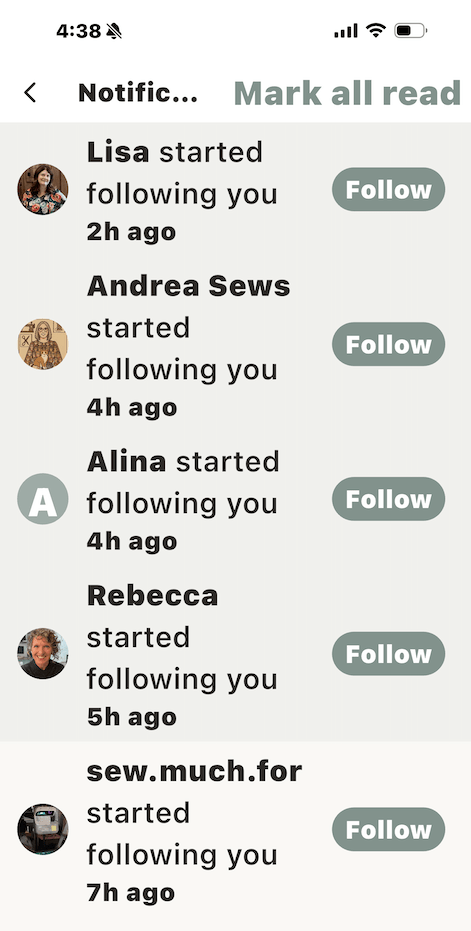
And when I click on it, this is what I see.
Explore
When I click on Explore, I can look at posts from hashtags, most liked posts, and new posts. This is where I discover new people to follow.
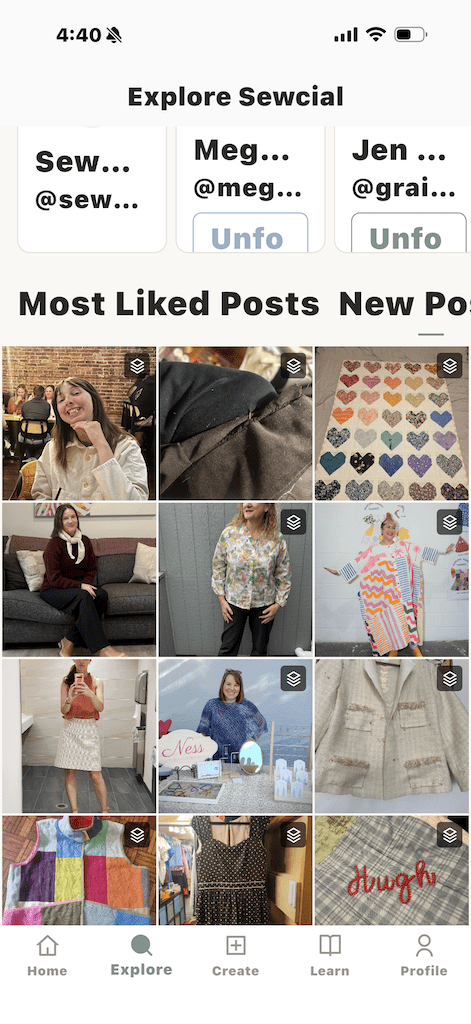
And since it’s catered to makers, you’ll only find sewing, knitting, crafting, textile art, etc.
No random AI videos of cats driving through the desert. No, you won’t find that here.
Create
Posting is pretty easy. You can add up to 10 photos, add a caption, hashtags, and also tag people.
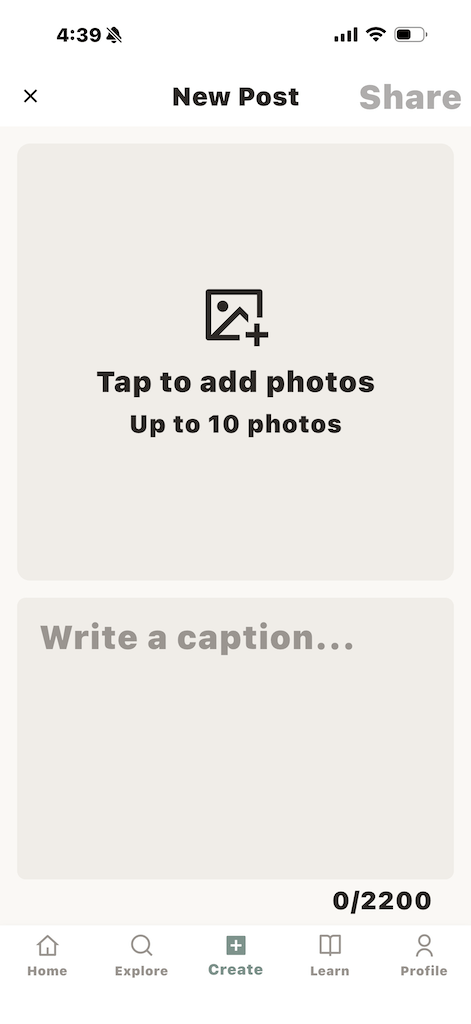
In addition, what I really like is that I can add a link. That’s really great if you have a website or video.
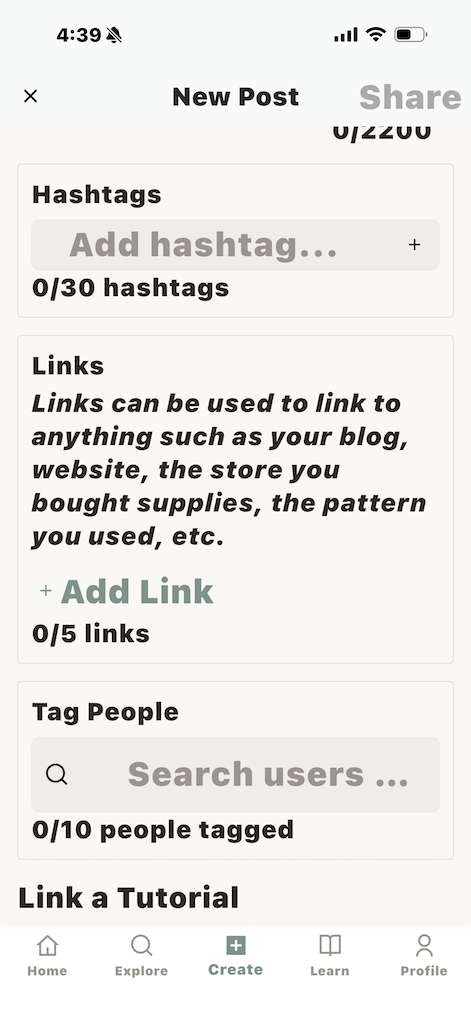
You can link back to your post on another platform. And when I linked back to my blog, I actually got a big bump in traffic!
So this is definitely a positive for me. So I really should be posting more often!
Learn
Besides creating posts, you can create and link tutorials. You can also browse tutorials that others have posted to learn new things.
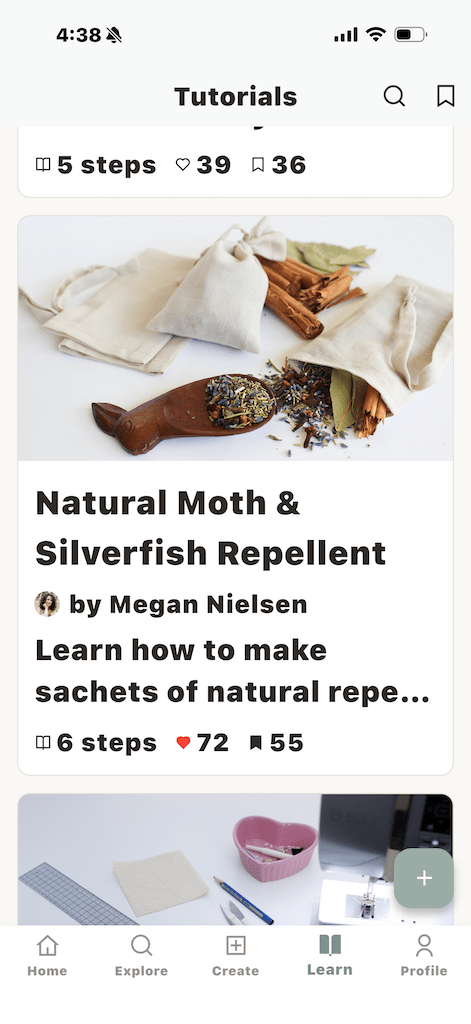
I like browsing through this section for ideas. I’ll get around to posting some of the tutorials on my blog too.
So whether you’re new at sewing or have been at it for a while, there’s something for everyone.
Why I Like Sewciable
Okay, now that we’ve I’ve gone over the main features of the app. I’ll share my impressions of using it and why I like it.
Well, it’s pretty calm and peaceful. I gave up on Instagram when they decided to focus on reels. TikTok isn’t much for me either.
I feel like some other social media platforms can be very noisy, like going to a loud bar. Hey, that might be your vibe, so I’m not knocking it.
But I like reading and writing. So snuggling up with a good book and reading blogs is more of my thing.
That’s why Sewciable feels good for me. It’s a positive place to hang out.
People are there to learn and support each other. I feel a sense of community.
You can direct message, or DM people on the app. Right now, Sewciable does not have stories. That’s fine with me.
Should you use Sewciable?

Well, if you’re on the fence about using Sewcial, you can give it a try.
There’s a 7-day free trial period where you can check it out. If you continue after that, it’s $1.99 a month.
It’s subscription-based, and I feel that the price is fair. There are no ads on the app, so they need a way to pay for all the work and maintenance.
And that’s exactly why I have ads on my blog, because I need to get paid somehow!
My Final Verdict
I have actually been wishing for an app like Sewciable to come along for years. Now that it’s here, I’ll definitely continue to use it for ideas, inspiration, and community!
Reading blogs has always been more of my thing. But for my social media kick, Sewciable is a nice, calm place to see what other makers are up to.
Read More
